

7 Mistakes You’re Making with Custom DTF Transfers (and How to Fix Them Fast)

Hey there! I’m Ryan Nash, CEO of Signsinsymbols. If you’ve stepped into the world of custom apparel lately, you know that Direct-to-Film (DTF) transfers are basically magic. They’re vibrant, they stretch, and they can go on just about anything.
But here’s the reality: even magic has its rules. I’ve seen enough "oops" moments: from peeling logos to pixelated prints: to fill a whole warehouse. Most of these issues aren't because the technology is bad; it’s usually a tiny mistake in the process that spirals out of control.
If you want your custom gear to look professional and last through a hundred washes, you need to avoid the common traps. Let’s dive into the 7 biggest mistakes people make with custom DTF transfers and, more importantly, how you can fix them fast.
1. Using Low-Resolution Artwork (The "Blurry" Trap)
This is the number one issue we see. You find a cool logo online, it looks great on your phone screen, but once it’s printed on a shirt, it looks like a Minecraft block.
The Mistake: Submitting files at 72 DPI (dots per inch) or taking a screenshot of a logo. Screens are very forgiving; cotton and polyester are not. If the source file is low-res, the DTF printer will faithfully reproduce every single jagged edge and blurry pixel.
The Fix: Always use high-resolution artwork at 300 DPI or higher. If you’re working with logos, vector files (like .AI or .EPS) are your best friends because they can be scaled to the size of a billboard without losing quality. If you're stuck with a raster image (like .PNG), make sure it’s sized to the exact dimensions you want it printed at 300 DPI.

✅ Pro Tip: When designing custom iron-on logo designs for clothing, convert your text to outlines. This prevents any weird font substitutions from happening during the printing process.
2. Getting the Heat Press Settings Wrong
You’ve got your beautiful transfers from Signsinsymbols, and you’re ready to go. You wing it on the temperature and pressure. Big mistake.
The Mistake: Using a "one size fits all" approach to heat and time. If the temperature is too low, the adhesive won't melt into the fibers. If it’s too high, you might scorch the fabric or "gas out" the ink, leading to dull colors.
The Fix: Follow the specific instructions provided by your supplier. At Signsinsymbols, we’ve optimized our process so you can achieve a perfect bond with a 10-second press time. That’s lightning-fast compared to the industry standard of 15–20 seconds.
Make sure you’re using medium to firm pressure. You want to see the texture of the fabric slightly visible through the ink once it’s pressed: that’s how you know it’s truly locked in. If you're unsure, check out our step-by-step guide to applying your DTF transfers.
3. Leaving Unwanted Backgrounds on Designs
Ever seen a custom shirt where the logo is surrounded by a faint, ugly white box? That’s the "ghost background" mistake.
The Mistake: Submitting a file that looks like it has a transparent background but actually has a solid white or off-white box behind it. DTF printers will print every pixel they see. If there is a white box in your file, it’s going to be a white box on your shirt.
The Fix: Use software like Adobe Photoshop, Illustrator, or even free online background removers to ensure your background is truly transparent. The "checkerboard" pattern in your design software is the international symbol for "nothing is here." If you see white, it’s going to print.

4. Peeling at the Wrong Time (The "Patience" Problem)
I get it. You’re excited to see the finished product. You hit it with the heat, and you immediately rip the film off like a Band-Aid. Suddenly, half the design stays on the film, and the other half is a mess on the shirt.
The Mistake: Not knowing if your film is a Hot Peel or a Cold Peel. Most high-quality DTF transfers are designed for a specific cooling period. Peeling too early ruins the bond; peeling too late (on certain films) can make the film stick to the ink.
The Fix: Slow down! Most of our premium transfers benefit from a little bit of patience. Waiting just a few seconds can be the difference between a ruined garment and a masterpiece. We’ve written an entire deep dive on why patience pays off with DTF peeling that you should definitely bookmark.
5. Ignoring Fabric Compatibility
DTF is famous for working on "anything," but that doesn't mean "anything" reacts the same way to heat.
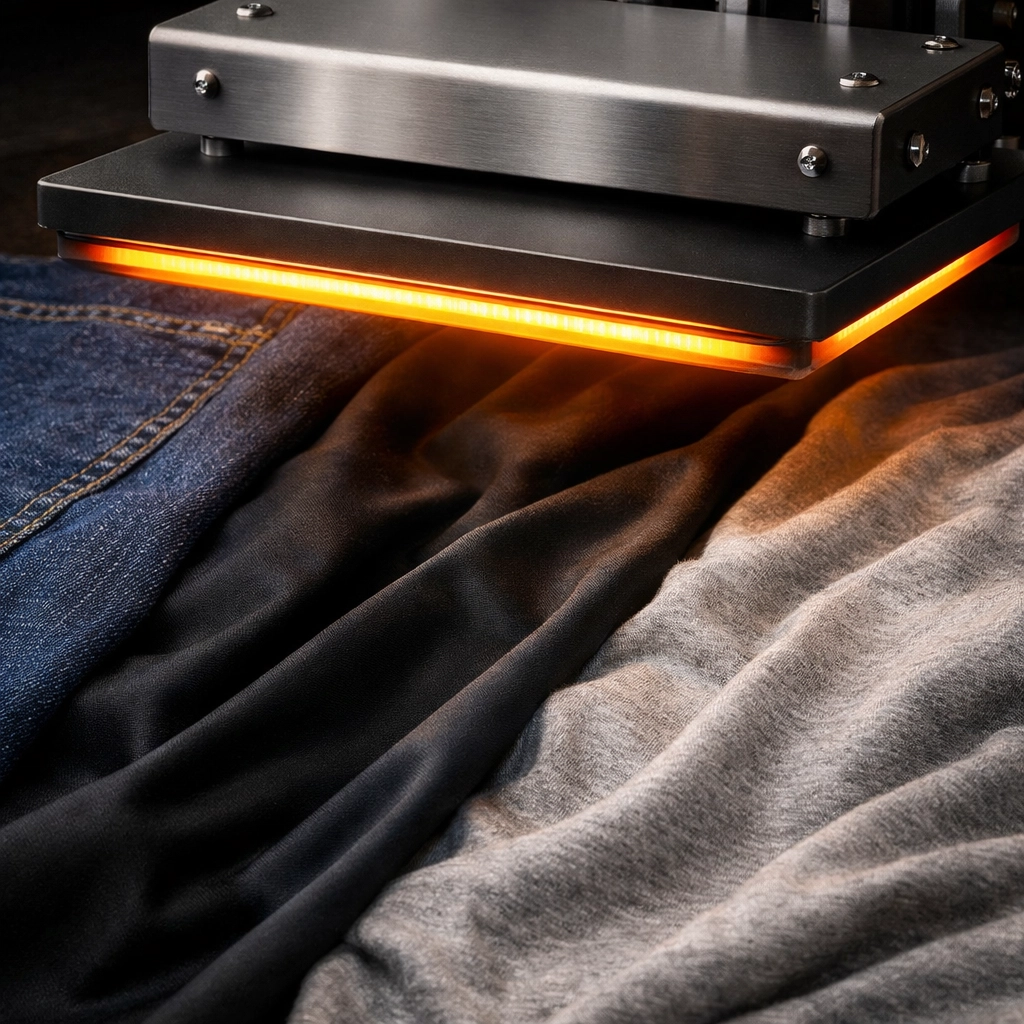
The Mistake: Pressing a high-heat transfer onto a delicate synthetic fabric like spandex or thin polyester without adjusting. This results in "bruising" or "scorching" where the shape of the heat plate is permanently visible on the shirt.
The Fix: Always do a test strip. If you’re working with 100% polyester or moisture-wicking gear, you might need to lower the temperature and increase the time slightly to avoid melting the fabric. Before you start a big run, read our guide on choosing the best blanks for DTF.
6. Improper Storage of Your Transfers
Maybe you ordered a bunch of logos for a client, but they decided to wait a month to start the project. You leave the transfers sitting on a humid shelf in the garage.
The Mistake: Exposing DTF transfers to moisture and extreme temperature fluctuations. The "powder" (the adhesive) on the back of the film is hygroscopic: meaning it loves to soak up water from the air. If it gets damp, it won't melt properly, and your designs will peel off after the first wash.
The Fix: Store your transfers in a cool, dry place. A sealed Ziploc bag with a silica gel packet is the gold standard. When kept correctly, our high-quality transfers can stay shelf-ready for months.
7. Not Utilizing Gang Sheets
If you’re ordering one logo at a time, you’re leaving money on the table and making more work for yourself.
The Mistake: Ordering individual transfers for a large project. This increases your shipping costs and makes it harder to organize your workflow.
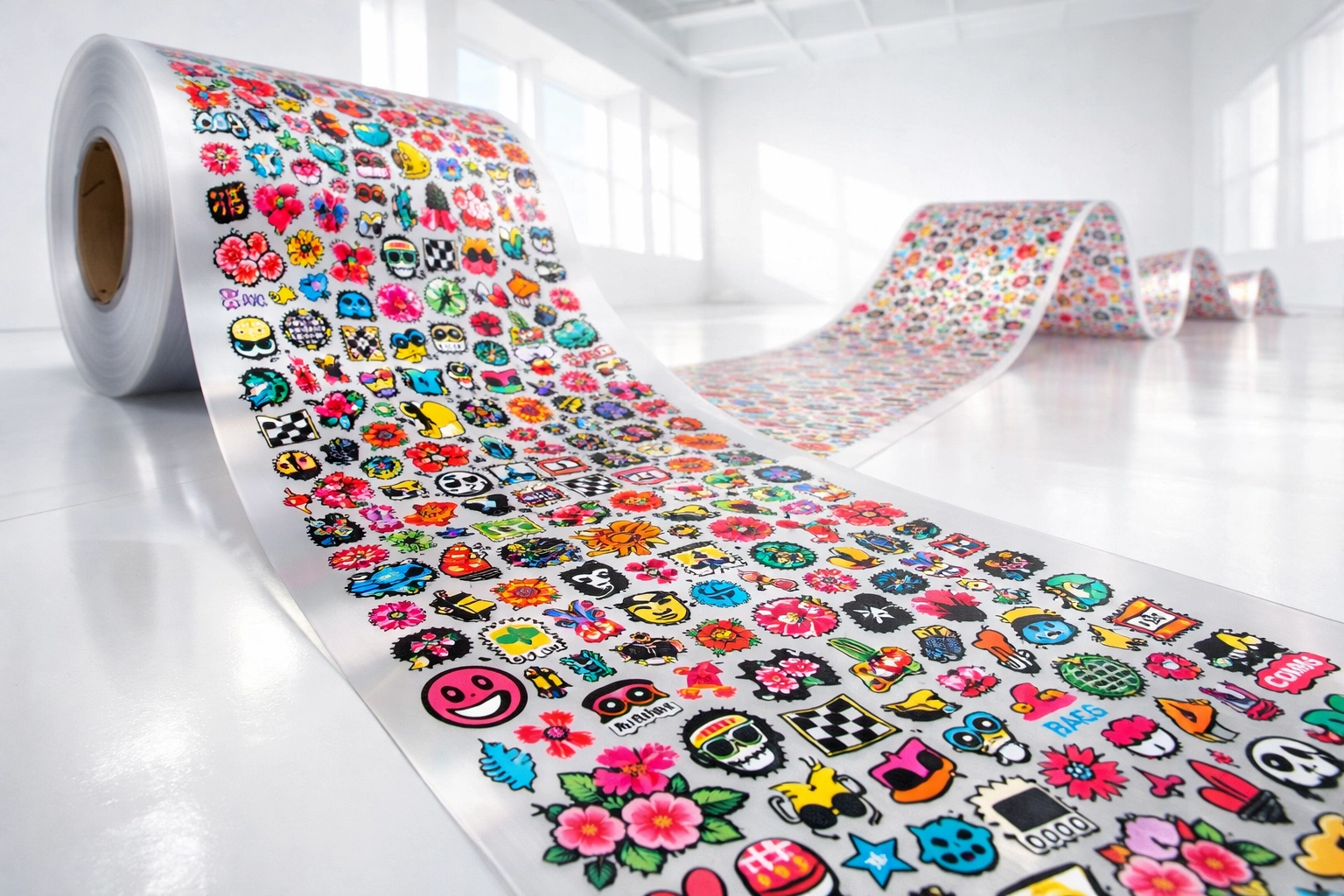
The Fix: Use Gang Sheets. This is where you put as many designs as possible onto a single long sheet of film. It’s the secret weapon of pro t-shirt shops. It lowers the cost per print and ensures all your logos are consistent. If you aren't sure how to set one up, we have a pro guide on building gang sheets using our ready-made designs.
Why Signsinsymbols is Your Secret Weapon
At the end of the day, even the best heat press technique can’t save a low-quality transfer. That’s where we come in. At Signsinsymbols, we’ve built our reputation on providing the highest quality DTF heat transfers in the business.
We know that in the world of printing services, reliability is everything. Whether you are a local O’Fallon business looking for transfers near you or a national brand scaling your inventory, we’ve got your back.
The Signsinsymbols Promise:
10-Second Press Time: We value your time. Our transfers are designed to bond fast so you can get through your production pile in record time.
6-Month Craftsmanship Warranty: We stand by our work. If our transfers don't perform the way they should, we’ll make it right. That’s the peace of mind you get when working with pros.
Vibrant, Durable Quality: Our prints don't just look good on day one; they are built to survive the "wash test" again and again.
If you’re tired of the guesswork and ready to start producing pro-level apparel without the inventory risk, check out our pricing guide to see how affordable premium quality can be.
Ready to Level Up?
Avoiding these seven mistakes will instantly put you ahead of 90% of the people trying to do custom apparel. DTF is an incredible tool for your business, allowing you to sell 100 designs without any inventory risk.
Stop settling for "okay" prints and start demanding excellence. Whether you need a single custom iron-on logo or a 50-foot gang sheet, Signsinsymbols is here to help you make it happen.
Let's get pressing!
Visit us at Signsinsymbols.com to start your next project today.
Comments