

Mastering the Gang Sheet: How to Pack Your Designs for Maximum Value
- Ryan Nash
- Mar 9
- 5 min read

If you’ve been in the custom apparel game for more than five minutes, you’ve probably heard the term "gang sheet" tossed around. It sounds like something technical or complicated, but in reality, it is the absolute best friend of anyone looking to save money on custom printed t shirts.
At Signsinsymbols, we live and breathe dtf transfers. We know that your goal is to get the highest quality prints for the lowest possible price. That’s where the magic of a custom gang sheet comes in. In this guide, we’re going to break down exactly what a gang sheet is, how to build one that maximizes every square inch, and why our specific setup here in O'Fallon is designed to help your business (or your hobby) thrive.
What Exactly is a Custom Gang Sheet?
Think of a gang sheet like a game of high-stakes Tetris. Instead of printing one single design on one piece of transfer film, you "gang" or group multiple designs together on a single sheet.
By filling up a sheet with various logos, slogans, or graphics, you aren't paying for the "number of designs": you’re paying for the space. This is a total game-changer for small businesses. Whether you need twenty small left-chest logos or five large back designs, putting them all on one sheet drastically lowers your cost per print.
At Signsinsymbols, our standard sheet size is 11"x11". This might sound compact, but when you know how to pack it correctly, you’d be surprised at just how much value you can squeeze out of those 121 square inches.
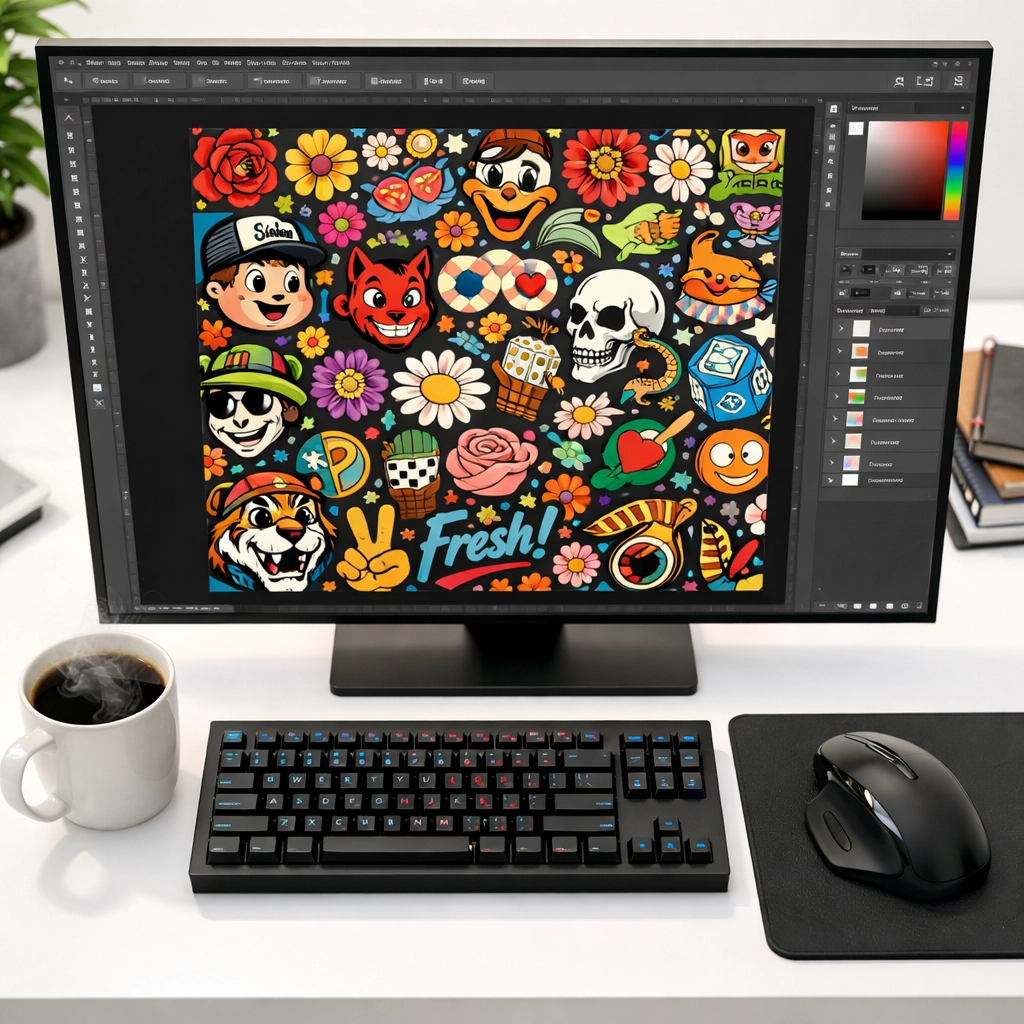
Why Gang Sheets are the GOAT for DTF Transfers
Why bother with the layout yourself? Why not just send over five separate files? Here is why the gang sheet method is the "Greatest of All Time":
Massive Cost Efficiency: You are optimizing expensive DTF film usage. Instead of wasting the "white space" around a single logo, you’re filling it with more value.
Zero Setup Fees: We’re big fans of keeping things simple. When you submit a ready-to-go gang sheet at signsinsymbols.com, there are no setup fees. You pay for the print, and that’s it.
Speedy Production: Printing one large sheet with ten designs is much faster than running ten individual prints. This efficiency allows us to keep our turnaround times lightning-fast.
Versatility: You can mix and match. Want to test out some St. Patrick's Day transfers alongside your standard brand logo? Throw them both on the same sheet!
Step-by-Step: How to Pack Your 11"x11" Sheet Like a Pro
Ready to build your first sheet? Let’s walk through the process of creating a layout that gives you the most bang for your buck.
1. Choose Your Design Software
You don't need a thousand-dollar software suite to make a gang sheet. While many pros use Adobe Illustrator or Photoshop, you can easily use Canva, Affinity Designer, or even free web-based tools. The key is setting your "canvas" or "artboard" size to exactly 11 inches by 11 inches.
2. High Resolution is King
Before you start dragging and dropping, check your file quality. For custom printed t shirts to look retail-ready, your designs need to be at 300 DPI (dots per inch). If you use a low-resolution thumbnail from the internet, it’s going to look blurry when printed. Start with high-quality PNGs with transparent backgrounds.
3. The "Tetris" Strategy
Start placing your largest designs first. These are usually your full-front or full-back graphics. Once those are in place, look at the gaps. Those empty corners and spaces between larger designs are prime real estate!
Fill the Gaps: Got a 2-inch gap between two big circles? Drop in a neck label or a small sleeve logo.
Rotation is Your Friend: Don't be afraid to flip a design sideways or upside down to make it fit into a tight spot. As long as the design fits within the 11"x11" border, our printers will handle it.
4. Mind the "Cut Line"
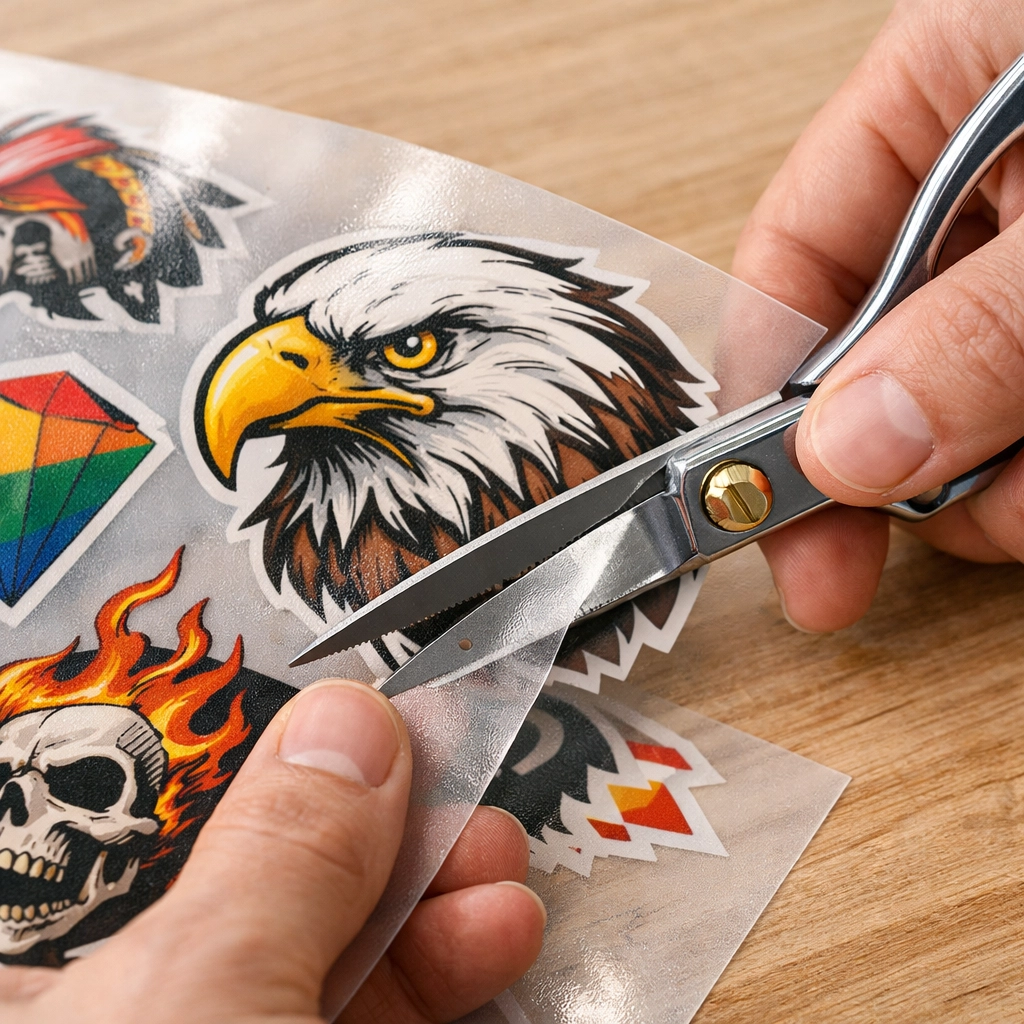
While you want to pack things tightly, you still need to be able to cut the designs apart with scissors or a paper cutter. We recommend leaving at least 0.25 inches of space between each design. If they are touching, you’ll have a hard time separating them without clipping the edges of your graphics.
Pro Tips for Maximum Value
If you want to be a true gang sheet master, keep these "insider" tips in mind:
Brand Your Gear: Always keep a few of your brand logos or "Brand Labels" ready to fill empty spots. Check out our DTF Brand Labels category for inspiration. Every shirt you sell should have your mark on it!
Size Variety: If you’re printing for a range of shirt sizes (Small to 3XL), you might want to scale your designs accordingly. Put a 10-inch version for the big shirts and an 8-inch version for the smaller ones all on the same sheet.
Test Your Colors: If you’re unsure how a specific color will look, throw a small color swatch or a "test logo" in a corner. It costs you nothing extra and gives you peace of mind.
No Setup Fees and Same-Day Potential
We know that for many of you, time is money. One of the biggest hurdles in the printing industry is the "setup fee." Some shops charge you $20 or $50 just to look at your file. At Signsinsymbols, we’ve stripped all that away.
When you upload your 11"x11" sheet to our Custom Gang Sheet options, you are getting a straightforward, honest price. This is especially helpful for local businesses in O'Fallon and the surrounding areas who need quick turns on dtf transfers.
From Sheet to Shirt: The 10-Second Miracle
The value of a custom gang sheet doesn't end once the printing is done. The real magic happens at the heat press.
Our DTF transfers are engineered for speed and durability. While some transfer methods require long press times and complicated "pillows," our transfers are optimized for a 10-second press.
✅ Step 1: Cut your design from the gang sheet. ✅ Step 2: Position it on your garment. ✅ Step 3: Press at 300-320°F for just 10 seconds. ✅ Step 4: Let it cool, peel, and you’re done!
This speed means you can churn through a stack of shirts in record time. If you have a gang sheet with 10 designs, you could essentially finish 10 garments in just a few minutes of total press time. That is how you scale a business!
Common Mistakes to Avoid
Even pros mess up sometimes. To make sure your order goes through without a hitch, avoid these common pitfalls:
Hidden Pixels: Sometimes when you remove a background, a few stray pixels are left behind. Our printers see everything. Make sure your backgrounds are truly transparent.
Going Over the Edge: If your design is 11.1 inches, it’s going to get cut off. Stay strictly within that 11"x11" box.
Mirroring: Do NOT mirror your images. Our software handles that automatically. Just send us the design exactly how you want it to look on the shirt.
Ready to Save?
Whether you are looking to create Zodiac-themed gear or you need a batch of shirts for a local event, mastering the gang sheet is your ticket to professional results on a DIY budget.
By combining the power of dtf transfers with a smart, tightly-packed layout, you can create custom printed t shirts that look and feel premium without the premium price tag.
Head over to our All Products category to see our current sheet options, or browse our blog for more tips on heat pressing and design.
Let’s get those designs onto some film! If you have questions about your layout or want to make sure your file is ready for the press, don't hesitate to reach out. We’re here to help you make something awesome.
Quick Navigation:
Check our Pricing Plans for bulk discounts.
View our Portfolio for inspiration.
Shop Holiday Bundles to add variety to your sheets.


Comments